
Counter service point of sale systems for Arkansas quick service restaurants
A counter line forgives nothing. Order entry speed, kiosks, kitchen displays, and the flat truth about what SkyTab and Clover cannot do at a drive thru.
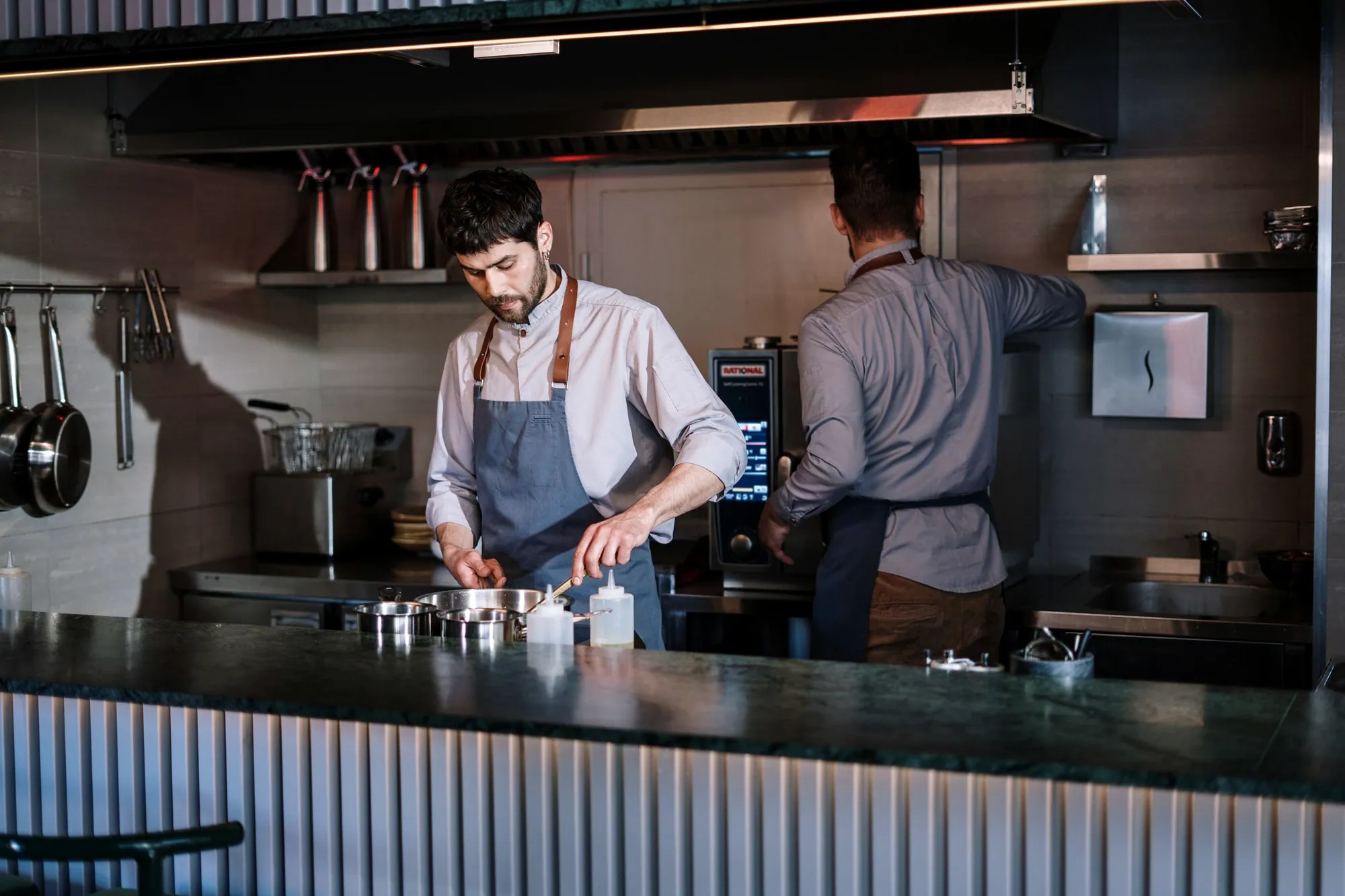
Noon hits and the line reaches the door. Everything about a counter point of sale comes down to how few taps stand between a guest saying her order and the ticket landing on the kitchen screen. SkyTab and Clover are both quick at a counter once the screens are built around what you really sell. Both are thin at a drive thru window, and we say so before you ask. We build your order screens from your sales mix, never from a template.
What makes order entry faster at the counter?
Screen layout. Not processor speed, not the age of the terminal. Your ten best sellers belong on the first screen with nothing in front of them, and modifiers stay one level deep anywhere the kitchen can live with it. Every extra tap costs a second or two, and you pay that toll a few hundred times between eleven and one.
We build the layout from your sales history instead of an alphabetical item list. Opening new? We start from the menu, then rearrange after two weeks once the reports show what people are really ordering. The second pass is included, and most dealers never come back for it.
Will a self order kiosk help me, or just move the problem?
A kiosk earns its keep when the line jams at the same hour every day and order taking is the choke point. If the kitchen is your constraint, the kiosk moves the wait and buries the line in tickets nobody can make any faster. SkyTab and Clover both offer kiosk hardware on the account you already have.
The kiosk shows the same menu structure as the register. A messy modifier tree becomes a guest standing there reading it while eleven people wait behind her. Fix the menu build before hardware arrives, which is the order we work in anyway.
Will SkyTab or Clover run my drive thru?
They will take an order and a payment at a window. Neither is a drive thru platform. No headset integration, no order confirmation board, no lane timers, no split lane logic. If the drive thru is most of your business, go look at systems built for a drive thru. We will tell you that to your face instead of selling around it.
One window at moderate volume is a different conversation. A handheld at the window plus a second payment device usually fixes the real bottleneck, which is a payment step that takes longer than the food.
A real person calls you back within two hours, Monday to Saturday, 8am to 7pm Central.
What changes when I put a screen in the kitchen?
Paper jams stop. Every ticket gets a timestamp, so you can finally see how long an order sat before a hand touched it. You route by station, hold and fire, and bump from the line. The trade is that a screen fails differently than a printer does, so keep one printer wired as a backup path.
You also stop losing tickets to a roll that ran out at 12:40 with no spare in the building. A display will not fix a kitchen that is two people short. The screen shows you where the minutes go. What you do about them is still your call.
Where do online and delivery orders end up?
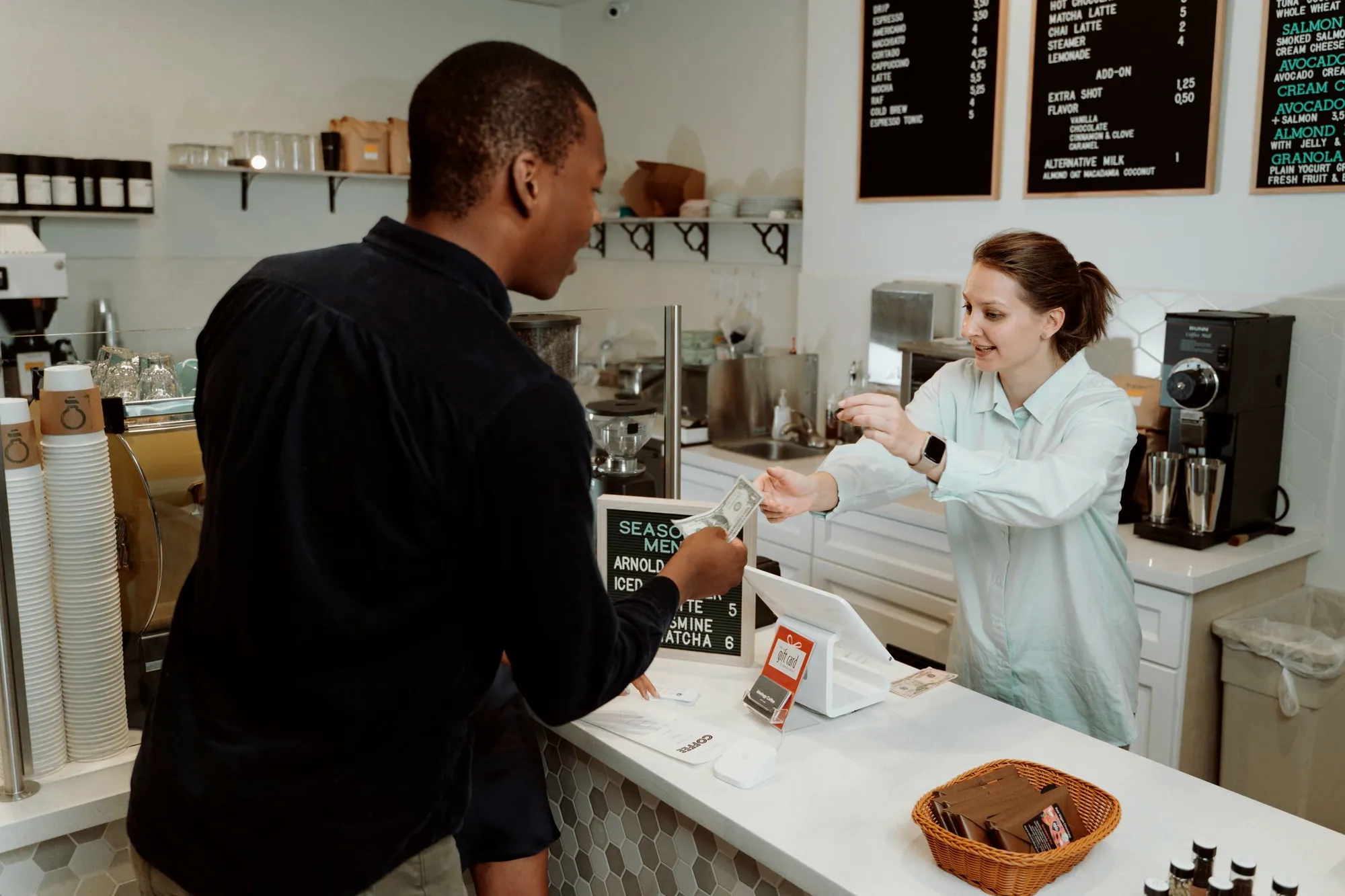
Both platforms include first party online ordering, and those tickets land in the same kitchen queue as counter orders. Keeping one queue is the whole reason to run ordering through the point of sale. Marketplace delivery orders can be injected through an integration, which clears the tablet farm off your back counter. The integration bills monthly on both platforms, and every fee like that belongs in the total you compare, sitting right next to what you pay to accept a card.
Prices and availability come from one menu. Mark an item out at the counter and it drops off the online menu in the same second. You stop making the phone call that starts with an apology.
What SkyTab and Clover get right at a counter, and what they miss
Quick at the counter. Thin at the window. You have the whole summary before the pitch even starts.
What works
- Order screens get built around your real sales mix, so top sellers need no category tap.
- Kitchen displays timestamp every ticket and route by station.
- First party online ordering drops into the same queue as walk in orders.
- Kiosk hardware runs on both platforms, so adding one later does not mean changing systems.
What does not
- No drive thru headsets, no order confirmation boards, no lane timers. A drive thru heavy store should buy a drive thru system and skip both of these.
- Deep required modifier trees drag the register and the kiosk down together, and no software rescues a menu that asks too many questions.
- Marketplace delivery injection is an add on with its own monthly cost on both platforms.
- Clover restaurant features arrive as separate apps. Add loyalty, inventory and better reporting and the monthly climbs past the number on the quote.
- Neither builds production forecasting or prep lists from your sales history. You will keep doing that on paper.
Questions restaurant owners ask
How many terminals does a counter operation need?
Usually one register per active order taking position, one handheld for line busting, and a kitchen display where a second printer would have gone. Registers past your staffing do nothing but take counter space. We size it during the walkthrough, and we would rather sell you less hardware that gets used than more that sits.
Can I take orders on a handheld out in the line?
Yes. Someone walks the line, takes the order and takes the payment before the guest ever reaches the counter. This works when the kitchen can absorb tickets landing earlier. If your kitchen is already flat out at noon, line busting only relocates the wait from the register to the pickup window.
Will a kiosk raise my average ticket?
A kiosk prompts every guest the same way every time, and consistent prompting is why owners report bigger tickets. We will not quote you a number, because the number depends on your menu and your prompts. We build the prompt structure and then show you the before and after in your own reports.
How fast can you get us open?
Menu programming starts the day your menu lands in our inbox. It is built in the cloud, so your hardware sometimes arrives before the menu is finished, which changes nothing. On install day we mount, cable, test the network, run test tickets and train each shift on its own. Judd Alsup and the Arkansas team are on site on go live day and stay through the first real rush.
Do you cover Bentonville and northwest Arkansas?
Yes. We install across all 75 counties, and the run from Bentonville down through Fayetteville is one of our regular routes. On site means a person inside your building, not a video call with a headset in another state. A real person calls you back within two hours, Monday to Saturday, 8am to 7pm Central.
Rules and rates change. Confirm anything that affects your money with the agency itself or with your accountant. General guidance, not legal, tax or accounting advice.